
User's Guide of Extech RH350 SuperHeat Psychrometer. It introduces the function and features of the device, including temperature, humidity, dew point measurement and data storage and recall.
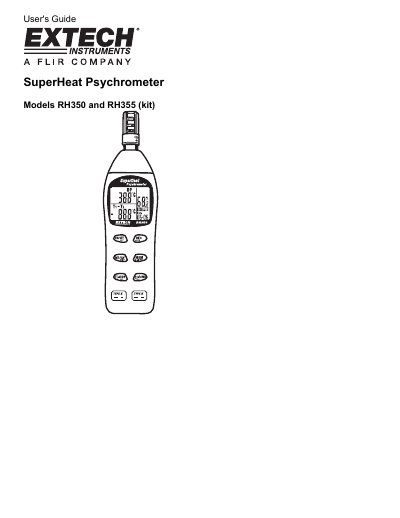
This user's guide explains how to operate the Extech RH350 SuperHeat Psychrometer, including taking measurements, setting units and date/time, using data hold and min/max/avg functions, and manual datalogging. It also covers calibration using reference bottles, RS-232 PC communication, and maintenance. The device measures humidity, air temperature, dew point, and wet bulb with built-in memory and recall capabilities.
| Humidity Range and Resolution | 0.0 to 100.0% RH |
|---|---|
| Air Temperature Range | -4.0 to 122.0 °F (-20 to 50 °C) |
| External Temperature Range | -40 to 1832 °F (-40 to 1000 °C) |
| Dew Point Range | -90.4 to 122.0 °F (-68 to 50 °C) |
| Wet Bulb Range | -6.88 to 122.0 °F (-21.6 to 50 °C) |
| Battery Life | Approx. 300 hours |
| Dimensions | 9 x 2.2 x 1.7” (230 x 57 x 44mm) |
Use the 33% and 75% RH reference bottles supplied with the RH355 kit. Insert the sensor into each bottle, allow stabilization, and enter calibration mode by holding [Min/AVRST] and pressing [ON/OFFSET] for 2 seconds. The meter will flash the target percentage and complete calibration after 30 minutes.
The RS-232 interface allows connection to a PC for capturing readings using optional software (407752 kit). The cable and software are included in the kit.
Extech Instruments Corporation provides a one-year warranty against defects in parts and workmanship, with a six-month limited warranty for sensors and cables.