
This user manual mainly introduces the use methods of the EDN series mini dome IP camera, including basic functions, installation methods, connection methods, maintenance methods, etc.
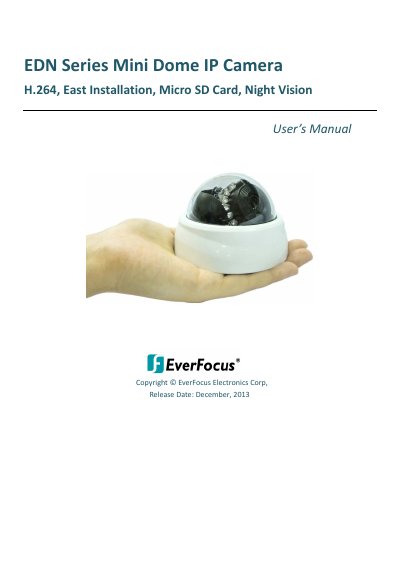
This manual provides step-by-step instructions for installing, configuring, and operating the EverFocus EDN Series Mini Dome IP Camera. It covers network setup, live viewing, playback, system settings, and maintenance. The camera supports H.264 video encoding, Micro SD card storage, and night vision with 19 IR LEDs. It is compatible with ONVIF/PSIA standards and can be managed via EverFocus CMS or mobile apps.
The camera comes in three models: EDN2160 (1 MP), EDN2260 (2 MP), and EDN2560 (5 MP), each with different resolutions and frame rates. It features a built-in microphone, dual streaming, and supports Power over Ethernet (PoE) or 12 VDC power. The manual includes safety precautions, mounting guidelines, and troubleshooting tips.
| Video Codec | H.264, MJPEG, MPEG4 |
|---|---|
| Night Vision Range | Up to 10 meters |
| Power Source | 12 VDC or PoE (IEEE802.3 af Class 3) |
| Lens | 4 mm, F2.0 (EDN2160) |
The EDN2560 supports 2560 x 1920, EDN2260 supports 1920 x 1080, and EDN2160 supports 1280 x 800.
The camera has 19 IR LEDs that provide up to 10 meters of night vision range.
The camera can be powered via 12 VDC or Power over Ethernet (PoE).