
The GXV3610_HD/FHD v2 User Manual introduces the device's safety, connection, specifications, settings and usage methods.
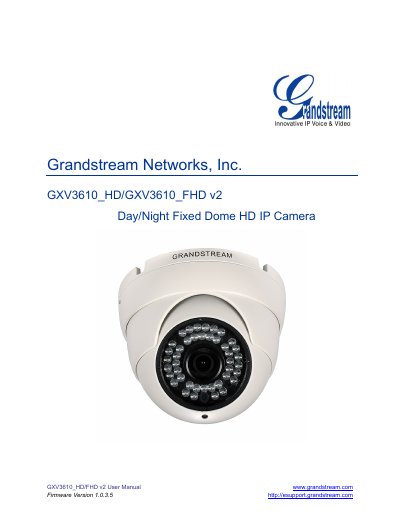
The Grandstream GXV3610_HD/FHD v2 is a Day/Night Fixed Dome HD IP Camera designed for both indoor and outdoor environments. It features advanced ISP technology, H.264 real-time video compression, and integrated PoE for high-fidelity video quality in various light conditions. The device supports 720p for the HD version and 1080p for the FHD version, along with mechanical IR-CUT for day or night mode switching.
This user manual guides users through connecting the camera, configuring it via a web browser, and managing settings such as video/audio, network, SIP, and alarm configurations. It also covers application scenarios, firmware upgrades, and troubleshooting steps to ensure optimal performance in professional surveillance applications.
| Video Resolution | 720p for GXV3610_HD; 1080p for GXV3610_FHD |
|---|---|
| Video Compression | H.264 real-time video compression |
| Operating Temperature | -20°C to 50°C |
| Power Input | DC 12V |
| Audio/Video Streaming | 2-way audio and video streaming |
Ideal application scenes include offices, stores, elevators, and other small to medium-sized enclosed environments, though they can also be used in similar open spaces.
Yes, the camera can be managed with GSurf Pro, Grandstream's intuitive FREE video management software that controls up to 72 cameras simultaneously.
Yes, it can be grouped with GVR3550 Grandstream Network Video Recorder (NVR) via plug-n-play, as well as other ONVIF compliant video management systems.