
This manual provides instructions for installing, calibrating, and maintaining Micro Motion ™ F-Series Coriolis Flow and Density Sensors.
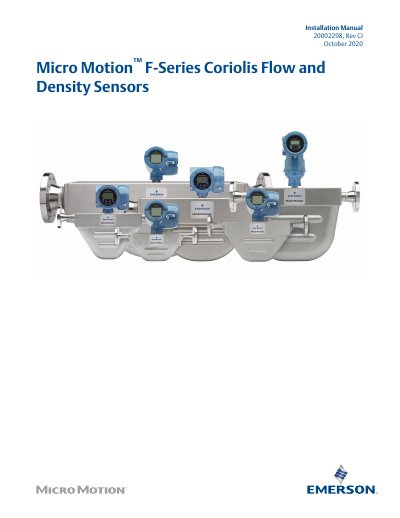
This guide provides step-by-step instructions for installing Micro Motion F-Series Coriolis flow and density sensors, including planning, mounting, wiring, and grounding. It includes safety messages, temperature limits, best practices, and procedures for purging the sensor case. The document assumes users understand basic sensor installation concepts and references related documentation for additional support.
Installation requires verifying hazardous area approvals, checking temperature limits, and following wiring instructions based on sensor and transmitter configuration. The guide also covers sensor orientation, cable length limits, and precautions for hazardous environments, including grounding and purge procedures.
| Maximum cable length (Micro Motion 9-wire) | 1,000 ft (305 m) for MVD and 5700 transmitters |
|---|---|
| Ambient temperature limit | –40 °F (–40.0 °C) to 140 °F (60.0 °C) |
The electronics cannot be operated where the ambient temperature is below -40 °F (-40.0 °C) or above 140 °F (60.0 °C).
Yes, the sensor will work in any orientation as long as the flow tubes remain full of process fluid.