
Installation guide for the Micro Motion 5700 transmitter with PROFIBUS-PA communication, covering safety, preparation, wiring, and initial setup.
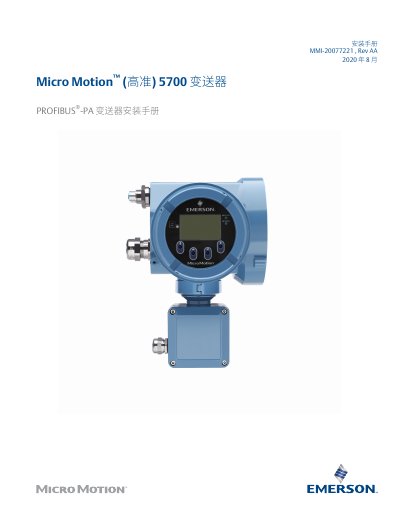
This manual provides instructions for the installation, wiring, and initial setup of the Micro Motion 5700 transmitter configured for PROFIBUS-PA communication. It covers safety information, installation preparation, and specific steps for integrating the device into a system.
The document details procedures for both integrated and separate transmitter/sensor installations, including power requirements, channel wiring, and grounding. It also guides users through setting the device address for PROFIBUS-PA communication and using the display controls for navigation. This manual is written in Chinese.
| AC Input Voltage | 85 to 240 V, 50/60 Hz |
|---|---|
| DC Input Voltage | 18 to 100 V |
| Maximum Cable Length (Non-Ex) | 305 m |
| Maximum Cable Length (IIC Sensor) | 152 m |
The maximum cable length is 305 meters for non-Ex certified installations.
To activate the light switches, cover the opening in front of them with your thumb or finger to block the light.