
This manual introduces how to use RCP6S Gateway Controller.
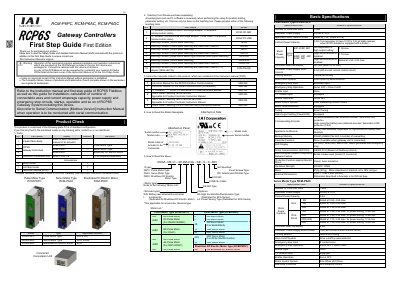
This document is the First Step Guide for IAI RCM-P6PC, RCM-P6AC, and RCM-P6DC Gateway Controllers. It serves as an introduction to the product, listing included parts, necessary teaching tools, and related instruction manuals available on the included DVD.
The guide provides detailed information on how to read the model nameplate and model code, explaining the specific configurations for Pulse Motor, Servo Motor, and Brushless DC Electric Motor types. It also outlines the basic specifications for each controller type, including power supply, control capacity, and motor control systems.
| Number of Controlled Axes | 1-axis |
|---|---|
| Controller Power-supply | DC24V + 10% |
| Cooling Method | Natural air-cooling |
| Emergency-stop Input | B contact input |
| Motor Control System | Field Weakening Vector Control |
| Serial Communication | RS485 2CH (Based on Modbus protocol) |
You must purchase and use a separate teaching tool such as PC software or a teaching pendant to perform setup tasks like position and parameter setting.
The rated current is 1.2A for the RCM-P6PC controller when used with a 20P or 20SP pulse motor.
The mass of the RCM-P6PC controller is 200g in its standard configuration.