
This document is the instruction manual for HOLUX Wireless GPS Receiver. It introduces the features and usage methods of the product.
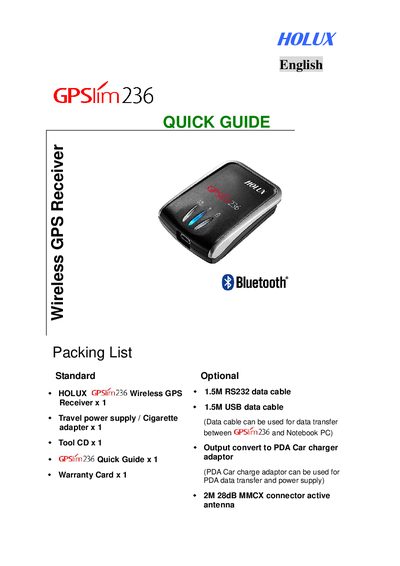
The Holux GPSlim 236 Quick Guide provides step‑by‑step instructions for first‑time use. It explains how to open the battery cover, install the supplied rechargeable lithium‑ion battery, and charge the unit using the mini‑USB power cable.
The guide also covers Bluetooth pairing with a PDA, using the GPS Viewer software, and safety warnings such as avoiding prolonged exposure to strong sunlight. Contact information for Holux Technology Inc. is listed at the end of the document.
| Baud Rate | 38400 |
|---|---|
| Antenna Gain | 28 dB |
| RS232 Data Cable Length | 1.5 m |
| USB Data Cable Length | 1.5 m |
| Battery Type | Rechargeable lithium‑ion |
| Bluetooth Passkey | 0000 |
Hold the device with one hand, place the index finger on the extended notch, and press down to release the cover.
The default Bluetooth passkey is 0000.
Slide the power switch to the ON position.
Activate the Bluetooth manager, select Search, choose the HOLUX GPSlim236 icon, and select SPP slave to establish the link.