
Datalogic Magellan 9300i/9400i Scanner and Scanner-Scale Quick Reference Guide

Datalogic MagellanTM 9300i and 9400i Scanner and Scanner-Scale with Imaging Technology Quick Reference Guide
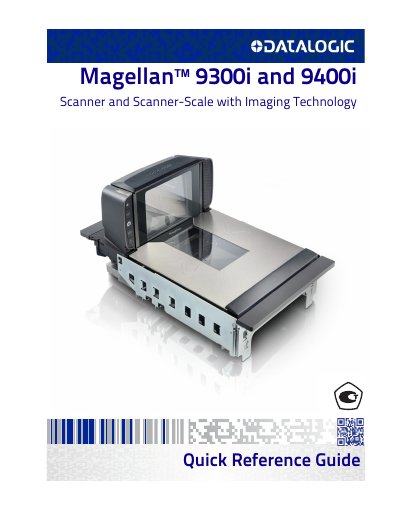

Datalogic Magellan 9300i/9400i Scanner and Scanner-Scale Quick Reference Guide - cover page
Brand
Datalogic
Category
Scanner
Document type
Quick Start Guide
Language
English
Pages
16
File format
PDF
File size
1.8 MB
Published
17 October, 2023
Updated
17 October, 2023
Models
9300i, 9400i
MD5 checksum
6317CD7537089FC59106F8A36EAE0B71

About this manual

This document serves as a quick reference guide for the Datalogic Magellan 9300i and 9400i multi-plane imaging scanners and scanner-scales. It covers basic operation, including scanning items in any orientation and weighing items using the All-Weighs platter. The guide also details the use of optional features such as ScaleSentry and Electronic Article Surveillance (EAS) deactivation.

What's inside

  • Introduction
  • Certification Label
  • Scanning Items
  • Weighing Items
  • Scale Sentry Option
  • Electronic Article Surveillance
  • Controls and Indicators
  • Cleaning
  • CSS Option
  • LED and Beeper Indications

Frequently asked questions

How should items be moved through the scanner for best results?

Slide or push items through the scan zone in a right-to-left or left-to-right movement.

What cleaning agent should be used on the scanner's exterior surfaces?

Use a clean, lint-free cloth or paper towel dampened with a nonabrasive, mild, water-based window cleaner.

How is the scale set to zero?

Push the Scale Zero button with all weight removed from the scale.

Download PDF (1.8 MB)

More Datalogic Manuals


View all Datalogic manuals →