
The Datalogic VS2200 is a high-performance fixed-mount barcode scanner with a compact design, ideal for smaller environments with high daily foot traffic.
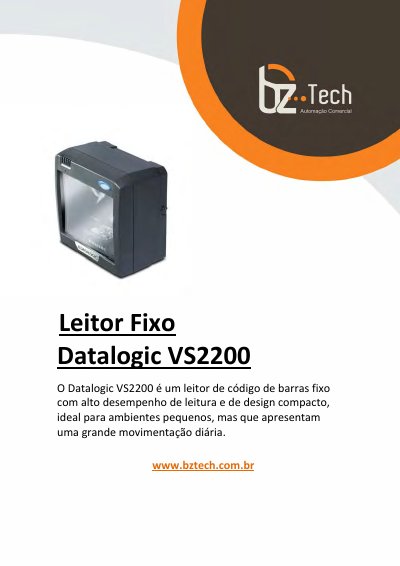
This document provides instructions for installing and configuring the Datalogic VS2200 fixed mount barcode scanner. It includes details on supported devices, installation methods (GUI or silent install), and OPOS service objects for compatibility with retail systems. The manual also covers scanner properties, methods, events, and logging options for developers and system integrators.
The scanner is designed for compact environments with high daily throughput. It supports multiple interfaces including RS232 and USB-COM, and is compatible with Datalogic’s OPOS service objects for seamless integration into point-of-sale systems. This manual is written in Portuguese.
The Service Objects support four types of Datalogic interfaces: RS232 Standard (also called Dual Cable), RS232 Single Cable, USB-COM, and OEM USB.
Installation can be performed using a standard GUI installation or as a silent install from the Command Prompt.
You must uninstall any previous DATALOGIC or PSC OPOS scanner/scale service objects before proceeding with the installation.