
This manual describes how to integrate the Magellan™ 1100i OEM Presentation Omnidirectional Bar Code Reader into an OEM system.
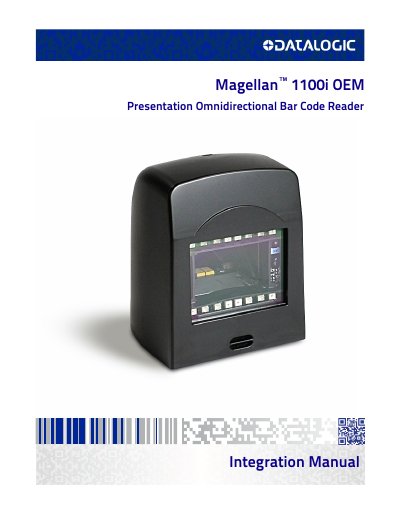
This document provides instructions, mechanical details, and design considerations for integrating the Magellan 1100i OEM model into equipment-integrated scanning applications such as price verifiers, kiosks, and POS terminals. The scanner is a compact, decoded, omni-directional imaging device designed for fixed position OEM integration.
The manual details the mounting process, including the use of M4 screws and specific torque limits, as well as guidelines for cable routing and ventilation. It also explains how to design the host enclosure opening to ensure the scanner's field of view is not obstructed, noting that bar codes must be at least 13mm from the front of the scanner to be read properly.
| Mounting Screw Size | M4 screws (4 mm x 0.7 pitch) |
|---|---|
| Maximum Installation Torque | 2.3 N-m [20 in-lb] |
| Host Enclosure Mounting Hole Diameter | 4.3mm [0.17"] |
| Minimum Depth of Field | 13mm [0.5"] |
No, this model is intended to be integrated inside a host enclosure.
Yes, the scanner can be mounted upside down with no loss in scanning performance.
It indicates that something is blocking the Field of View.