
This is the user guide of a dual band wireless AC1200 gigabit router
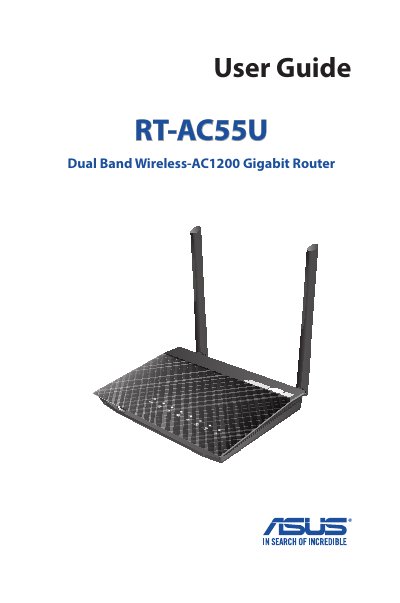
This user guide provides step-by-step instructions for setting up and configuring the ASUS RT-AC55U dual-band wireless router. It covers initial setup, network configuration, wireless security, parental controls, USB applications, and advanced settings like port forwarding and firewall rules. The guide also includes troubleshooting tips and contact information for ASUS support.
The router supports 2.4GHz and 5GHz bands for simultaneous HD streaming and file sharing. It includes features like SMB, UPnP AV, and FTP servers for 24/7 file sharing. The guide details hardware components, LED indicators, and positioning tips for optimal wireless performance.
| Wireless Standard | Dual Band Wireless-AC1200 |
|---|---|
| Wireless Bands | 2.4GHz and 5GHz |
| USB Ports | USB 2.0 and USB 3.0 |
| Power Adapter | DC Output: +12V with max 2A / 2.5A current |
| Operating Temperature | 0~40°C |
Connect to your wireless network by selecting the SSID and entering the password in the Web GUI or using the WPS button.
The WPS button launches the WPS Wizard to simplify wireless setup.
Use the Firmware Upgrade option in the Administration section to update to the latest firmware.
Check the WAN LED status, ensure the WAN cable is properly connected, and verify the internet connection settings.