
The ASUS ESC700 G2 Workstation User Manual provides setup, hardware installation, BIOS configuration, RAID setup, software installation, safety guidelines…
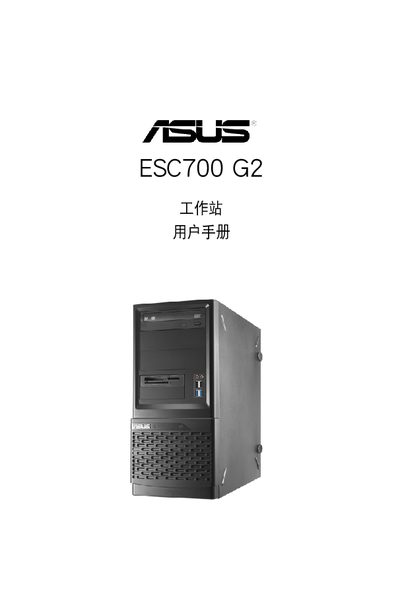
This manual guides users through the complete setup of the ASUS ESC700 G2 workstation, covering system overview, hardware installation, motherboard details, BIOS settings, disk array configuration, and software installation. It includes detailed step‑by‑step procedures, diagrams, and reference tables.
Safety precautions, warranty information, and contact details for technical support are also provided, along with a troubleshooting appendix for common issues such as power or peripheral problems. This manual is written in Chinese.
| Recommended operating temperature | 35 °C |
|---|
You can visit the ASUS website at http://www.asus.com.cn for product details, drivers and updates.
Check that the power cable is correctly connected to the system’s rear port and to the wall outlet, then press the power button.
Disconnect all power cables, use an anti‑static wrist strap or ground yourself, and avoid touching component contacts directly.