
The ASUS T7051 laptop user manual provides safety guidelines, setup steps, operation tips, and warranty information.
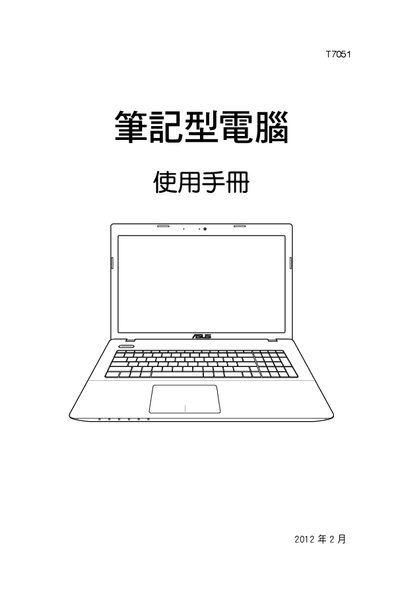
This manual covers safety instructions, usage precautions, warranty service details, and a step‑by‑step guide to getting started with the ASUS T7051 laptop. It explains the hardware layout, how to install the battery, connect the power adapter, install the operating system, and use basic functions such as the touchpad, keyboard, and wireless features.
Additional sections describe how to connect external devices, upgrade memory or storage, manage power settings, and troubleshoot common issues like forced shutdown, boot device selection, and battery‑saving tips. The appendix includes Bluetooth mouse setup and a quick‑start troubleshooting guide. This manual is written in Chinese.
Press and hold the power button for 4‑6 seconds to force a shutdown.