
User manual for the ASUS P2-P5G41/P4-P5G41 desktop barebone system covering setup, BIOS configuration, and safety information.
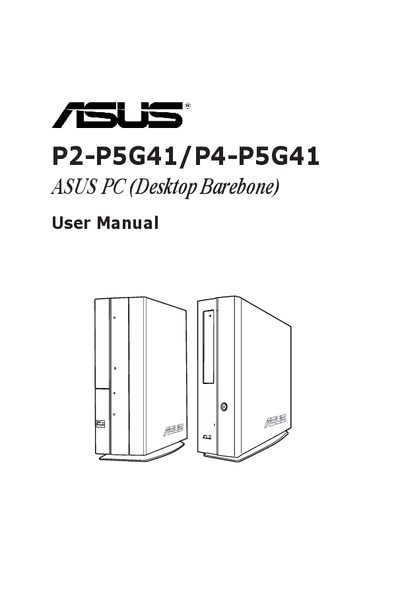
This guide provides detailed information for experienced users and system integrators on the ASUS P2-P5G41/P4-P5G41 barebone PC. It includes system features, front and rear panel descriptions, internal components, and step‑by‑step instructions for installing an operating system and configuring the BIOS.
The manual also contains safety guidelines, package contents, and troubleshooting tips, along with BIOS utilities such as ASUS EZ Flash 2 for firmware updates and password management features.
| Processor Type | Intel(R) Core(TM)2 CPU 6300 @ 1.86GHz |
|---|---|
| Processor Speed | 1866MHz |
| System Memory Installed Size | 1024MB |
| System Memory Usable Size | 990MB |
| Power Supply Unit | 200W |
The package contains the barebone system with motherboard, 3‑in‑1 storage card reader, PCIe riser card, 200W power supply, power cable, SATA power and signal cables, a support CD, and a quick installation guide.
Use the ASUS EZ Flash 2 utility from the BIOS Tools menu to load and flash a new BIOS ROM.
Select the Change User Password item, enter a password of up to six characters, confirm it, and the status will change to Installed.