
The ASUS V-Series P8H67E User Manual provides setup, BIOS configuration, safety, and component information for this barebone desktop system.
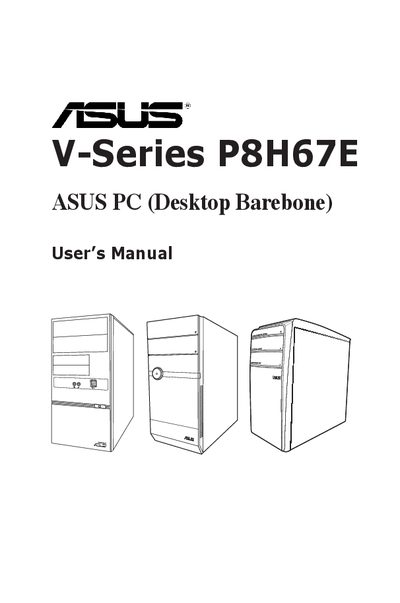
This guide is intended for experienced users and system integrators who are assembling the ASUS V-Series P8H67E barebone desktop. It covers safety precautions, system package contents, and basic hardware overview.
The manual is organized into four main chapters: System introduction (front/rear panel, internal components), Starting up (power‑on, OS installation, support DVD), Motherboard information (layout, jumpers, connectors, MemOK! switch), and BIOS setup (utility tools, fan control, voltage monitoring, boot options). Additional sections address FCC/IC compliance and source‑code availability for GPL/LGPL software.
| Front panel version | V6-P8H67E |
|---|---|
| Front panel version | V7-P8H67E |
| Front panel version | V9-P8H67E |
| Voltage selector | Included |
| CPU Q‑Fan Control | Enabled / Disabled |
| Chassis Q‑Fan Control | Enabled / Disabled |
| Anti Surge Support | Enabled / Disabled |
Use the ASUS EZ Flash 2 utility from the BIOS Tools menu to update the BIOS.
Disconnect the power cable before moving or adding devices, avoid dust and moisture, and ensure the power supply voltage matches your region.