
RT-AC58U Wireless-AC1300 Dual Band Gigabit Router User Guide
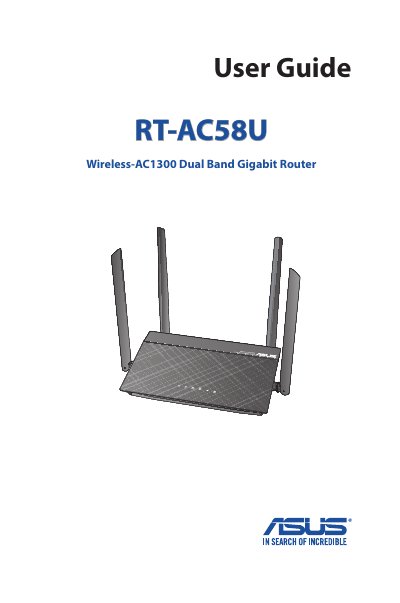
This manual provides instructions for the ASUS RT-AC58U Wireless-AC1300 Dual Band Gigabit Router. It details the package contents, physical interface descriptions, and positioning requirements for optimal signal transmission. The guide explains how to connect the router via wired or wireless methods and how to log into the Web GUI for initial setup.
| Wireless Speed (5GHz) | 867 Mbps |
|---|---|
| Wireless Speed (2.4GHz) | 300 Mbps |
| Operating Temperature | 0~40°C |
| Storage Temperature | 0~70°C |
| Operating Humidity | 50~90% |
| Storage Humidity | 20~90% |
You need a computer with an Ethernet RJ-45 port, IEEE 802.11a/b/g/n/ac wireless capability, TCP/IP service, and a web browser.
Press the Reset button to reset or restore the system to its factory default settings.