
This file is the user manual for ASUS CM-32 Wireless-AC2600 DOCSIS 3.0 Cable Modem Router, which introduces the features and characteristics of the product, installation and use methods, etc.
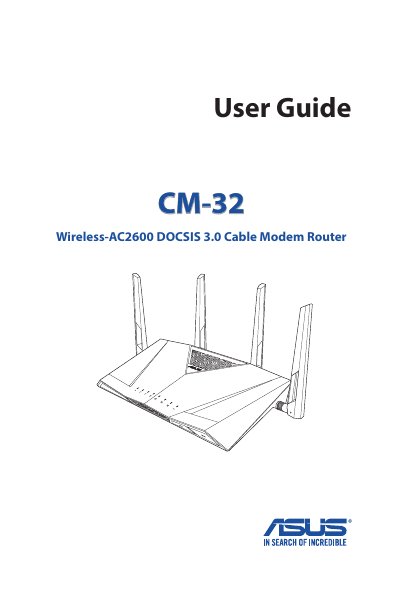
The ASUS CM-32 is a Wireless-AC2600 DOCSIS 3.0 Cable Modem Router designed for high-speed internet connectivity. This guide details the package contents, hardware setup, and the location of various ports and LEDs on the device. It also explains how to activate the Internet service and perform a quick setup to connect to the wireless network.
| Wireless Standard | Wireless-AC2600 |
|---|---|
| DOCSIS Version | DOCSIS 3.0 |
| Power Input | DC 19V 2.37A |
| Operating Temperature | 0~40°C |
| Storage Temperature | 0~70°C |
| Operating Humidity | 50~90% |
The package includes the CM-32 modem router, an AC adapter, a network cable, a quick start guide, and a support CD.
Press the Reset button on the device to reset or restore the system to its factory default settings.
A White Downlink LED indicates that the device is locked on a DOCSIS 3.0 downstream signal.
Yes, you can insert USB 2.0 devices such as USB hard disks or USB flash drives into the USB 2.0 port.