
This manual introduces the basic functions and operating methods of the RT-ACRH13 Wireless AC1300 Dual Band Gigabit Router.
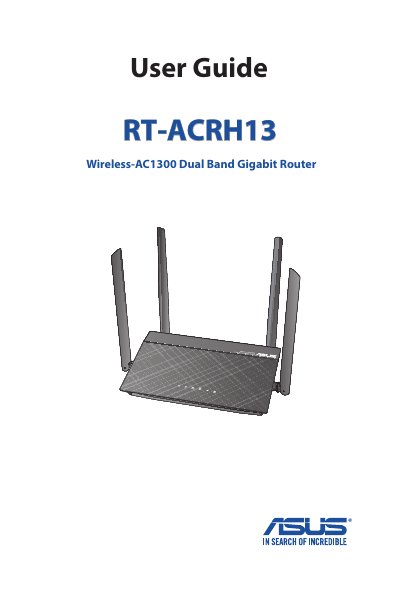
This guide helps you install and configure your ASUS RT-ACRH13 router. It includes sections on setup, network configuration, wireless settings, parental controls, USB applications, and troubleshooting. The router supports dual-band Wi-Fi (2.4GHz and 5GHz) for faster speeds and better performance.
The manual also covers advanced features like QoS, port forwarding, firewall settings, and firmware updates. It provides detailed instructions for connecting devices, managing network clients, and optimizing your wireless network for performance and security.
| Wireless Standard | AC1300 Dual Band |
|---|---|
| WAN Port | RJ-45 Ethernet |
| LAN Ports | 4 x RJ-45 Ethernet |
| Power Adapter | DC 12V, 1.5A |
Connect the WAN port to your modem using an Ethernet cable, then power on the router.
Up to 867 Mbps on the 5GHz band and 300 Mbps on the 2.4GHz band.
Log in using a web browser by entering the router’s IP address (default is usually 192.168.1.1).