
This is a user manual for a multifunction all-in-one printer, which includes printing, copying, scanning and other functions
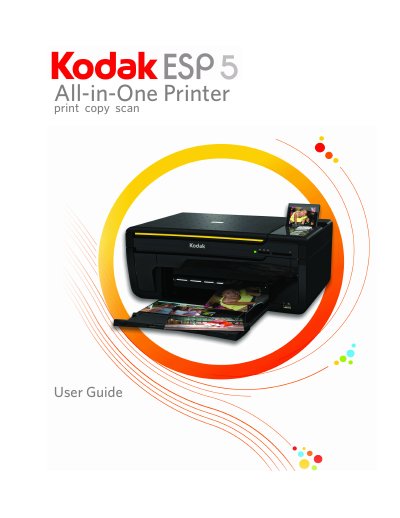
The Kodak ESP 5 All-in-One printer allows users to print, copy, and scan digital images and documents. It features a printhead system with two Kodak high-quality pigmented ink cartridges, a paper tray supporting multiple media types, and a scanner capable of scanning up to A4 or Letter-width originals. The device includes multi-format memory card support and a host USB port for connecting external devices like cameras and flash drives. Users can also manage digital images from a Windows or Macintosh computer using Kodak's All-in-One Home Center software.
| Black print speed | Up to 30 pages per minute on plain paper |
|---|---|
| Color print speed | Up to 29 pages per minute on plain paper |
| Print technology | Continuous-tone thermal ink jet |
| Paper capacity | 100 sheets of 20 lb plain paper or 30 sheets of 10 mil photo paper |
| Maximum scan size | 8.5 × 11.7 inch, (21.6 × 29.7 cm) |
The printer supports XD-Picture Card, Memory Stick, SD/MMC, Compact Flash type I and II, and SDHC cards.
Connect the camera directly to the printer's USB host port and follow the on-screen instructions to print.
The printer offers Draft, Normal, and Best quality modes for plain paper, and Photo quality mode for photo paper.