
This document is the user manual of Kodak EasyShare Z760 digital camera.
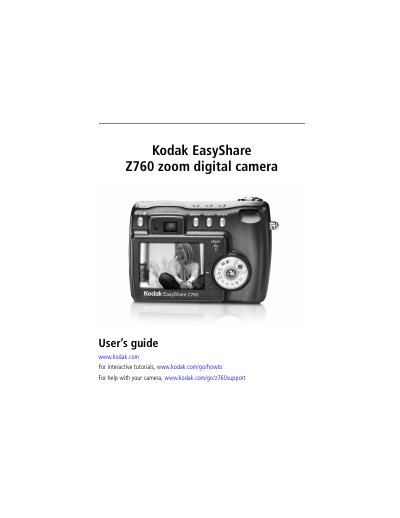
This user manual provides step-by-step instructions for operating the Kodak EasyShare Z760 digital camera. It covers initial setup including battery installation and date/time configuration, taking photos and videos with various modes and zooms, reviewing and managing media, transferring files via USB, and troubleshooting common issues. The guide also includes technical specifications and support resources.
| Sensor | 1/1.8 in. CCD |
|---|---|
| Image Size | 2856 x 2142 (6.1 M) pixels |
| LCD Screen | 2.2 in. (5.6 cm) color hybrid LCD, 640 x 240 (153 K) pixels |
| Zoom | 3X optical zoom lens, f/2.8-4.8, 39-117 mm (35 mm equivalent) |
| Focus System | Hybrid auto-focus system with continuous control |
Insert the battery into the charger, plug the charger into the outlet, and wait until the indicator light turns green. Charging takes approximately 3 hours.
Press the Menu button, go to Setup Menu, select Date & Time, adjust the settings, and press OK to save.
The camera has a 3X optical zoom lens with a focal length range of 39-117 mm (35 mm equivalent).