
Kodak Capture Pro Software User's Guide

Kodak Capture Pro Software User's Guide
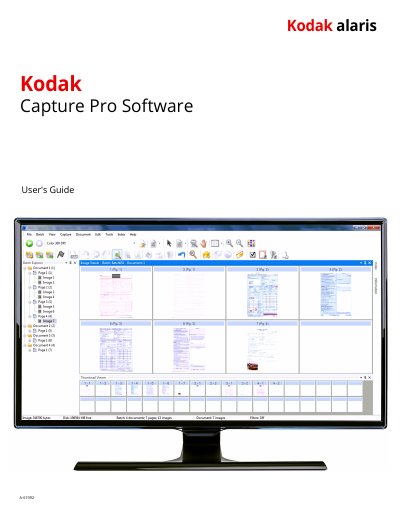

Kodak Capture Pro Software User's Guide - cover page
Brand
Kodak
Document type
User Manual
Language
English
Pages
58
File format
PDF
File size
2.6 MB
Published
17 October, 2023
Updated
17 October, 2023
MD5 checksum
D1F2EE71EF3750B19107A0DAA4DA0CA5

About this manual

This guide explains how to launch and use Kodak Capture Pro Software for scanning and managing documents. It covers selecting scanners, creating and managing batches, editing images, and outputting processed data. The software supports one- and two-sided scanning in color, black and white, and grayscale, with tools for cropping, rotating, and attaching pages. It also includes help resources and system setup instructions for non-network clients.

What's inside

  • Getting Started
  • Terminology
  • Launching Capture Pro Software
  • Selecting your scanner
  • Quick Start
  • Batch Manager dialog box
  • Creating a new batch
  • Opening an existing batch
  • Deleting a batch
  • Using a job

Frequently asked questions

What applications is Kodak Capture Pro Software ideal for?

The software is ideal for imaging, forms processing, workflow applications, and as a standalone application.

Does using Kodak Capture Pro Software require special hardware acceleration?

No, all functions are performed in the software and no special hardware acceleration is required.

What happens when you click on a Job tile in the Quick Start screen?

A new batch will be created and scanning will begin as defined by the job setup.

Download PDF (2.6 MB)

More Kodak Manuals


View all Kodak manuals →