
This is a user guide for the Kodak EasyShare C143 digital camera. It describes the camera's features and how to use them.
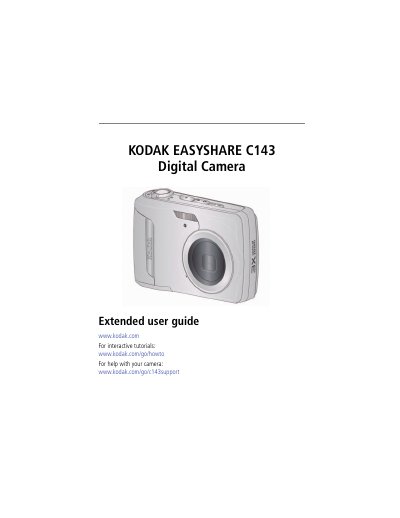
This guide explains how to set up and operate the Kodak EasyShare C143 digital camera. It covers attaching the strap, loading batteries, setting language and date/time, and storing images on an SD/SDHC card. It also details how to take pictures and videos, use zoom and flash, adjust modes, and share or tag photos. Additional sections cover reviewing and editing images, transferring and printing, and troubleshooting common issues.
| CCD | 1/2.3-type |
|---|---|
| Effective pixels | 12.2 MP (4026 x 3026) |
| LCD | 2.7 in. (6.9 cm) LCD; 230K pixels; 4:3 aspect ratio |
| Image storage | Optional SD/SDHC Card (Max 32 GB) |
| Internal storage capacity | 32 MB (19 MB available for image storage) |
| Taking lens | 3X optical zoom; f/2.9–f/5.2; 35 mm equivalent: 32–96 mm |
| Focus system | TTL-AF (through-the-lens auto focus); Multi-Zone, Center-Zone, Face Priority |
| Shutter speed | 8–1/1400 seconds |
| Long time exposure | 0.5–8 seconds |
| ISO speed | Smart Capture mode: Auto 80–400 |
The maximum supported SD card size is 32 GB.
Turn the Zoom lever toward Telephoto (T) to zoom in or toward Wide Angle (W) to zoom out, then take the picture.
The camera offers Smart Capture mode, Auto, Backlight, Beach, Children, Fireworks, Flower, High ISO, Manner/Museum, Night Landscape, Night Portrait, Scene (SCN), Self-Portrait, Snow, and Text modes.