
This manual is the user guide of Kodak EasyShare C713/C813/CD703 zoom digital camera, which introduces the functions and usage methods of the camera.
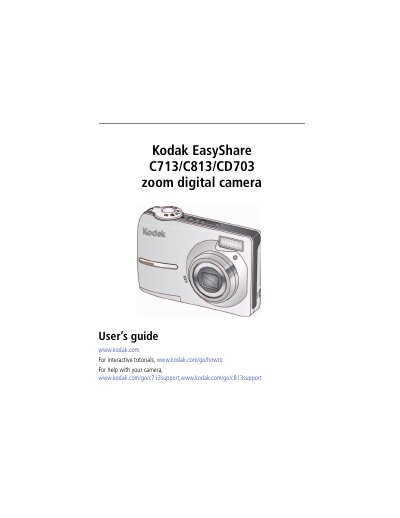
This user guide provides step-by-step instructions for setting up and operating Kodak C713/C813/CD703 digital cameras. It covers attaching the strap, loading batteries, configuring settings, taking pictures and videos, using optical zoom, and managing media with SD cards. The guide also explains how to review, edit, and share photos, transfer files via USB or dock, and troubleshoot common issues. Technical specifications for each model are included in the appendix.
| Sensor | 1/2.5 in. CCD |
|---|---|
| Picture Sizes | Up to 8.1 MP (3296 x 2470 pixels) |
| Lens | 3X optical zoom lens f/2.7–f/4.8 |
| Resolution | Up to 8.1 megapixels |
The camera uses Kodak oxy-alkaline digital camera batteries AA, Kodak Ni-MH rechargeable digital camera batteries AA, or Kodak Ni-MH rechargeable digital camera battery KAA2HR.
Scene modes include auto, backlight, beach, children, fireworks, flower, high ISO, landscape, manner/museum, night landscape, night portrait, portrait, SCN, self-portrait, snow, sports, sunset, and text/document.
To delete a picture, press the Delete button after taking it or while reviewing it.