
This manual introduces the features of Kodak EasyShare Z7590 digital camera, including the camera's various components and how to use the camera to take pictures, edit photos and upload photos to a computer.
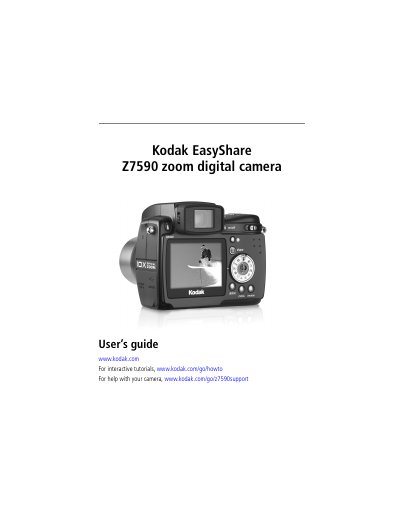
This guide explains how to use the Kodak EasyShare Z7590 digital camera, including charging and inserting the battery, setting language and date/time, and using the LCD screen and EVF. It covers taking photos and videos with optical and digital zoom, using flash, exposure bracketing, and picture modes. Sections also detail reviewing, tagging, sharing, and transferring media via USB or printing with compatible docks or printers.
| Battery | Not specified in text |
|---|---|
| Storage | SD/MMC card |
| Video Output | A/V Out (for TV viewing) |
| USB Port | USB port/DC-In/A/V-out cover |
Charge the battery before first use or when low on power.
Use the USB cable to transfer pictures to a computer.
Tag pictures for email to organize them for sending.