
This manual introduces the usage of Kodak ESP·3 All-in-One.
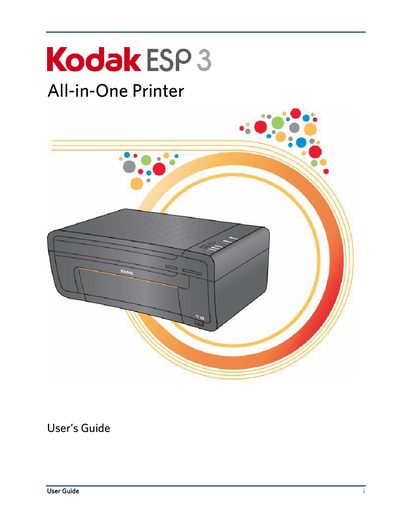
This user guide provides step-by-step instructions for operating the Kodak ESP·3 All-in-One printer, including printing, copying, and scanning functions. It covers setup, connecting devices, managing ink, handling paper, and troubleshooting common issues. The guide also explains how to use Kodak Home Center software for managing and sharing digital photos. Detailed specifications and system requirements are included for compatibility and performance.
| Black print speed | Up to 30 ppm on plain paper |
|---|---|
| Color print speed | Up to 29 ppm on plain paper |
| Photo print speed | Up to 2.18 ppm (as little as 30 seconds per print) on 4 x 6 inch (10 × 15 cm) borderless Kodak watermark photo paper |
| Print technology | Continuous-tone thermal ink jet |
| Borderless sizes supported | 4 × 6 inch (10 × 15 cm), 4 × 8 inch (10 × 20 cm), 4 × 12 inch. (10 × 30 cm), 5 × 7 inch (13 × 18 cm), 6 × 9 inch (15 × 23 cm), 8 × 10 inch (20 × 25 cm), US Letter (8.5 x 11 inch) (22 x 28 cm), A4 |
| Scanner type | Contact Image Sensor (CIS) type scanner |
| Maximum scan size | 8.5 × 11.7 in. (21.6 × 29.7 cm) |
The printer supports XD xD-Picture Card, MS Memory Stick, Memory Stick Pro, SD Secure Digital Card/Multi-MediaCard, CF Compact Flash type I and type II, including microdrives, SDHC Secure Digital High Capacity cards. It also supports Memory Stick Duo, miniSD, and MicroSD (TransFlash) with adapters.
Black print speed is up to 30 ppm on plain paper, and color print speed is up to 29 ppm on plain paper.
Supported sizes include 4 × 6 inch, 4 × 8 inch, 4 × 12 inch, 5 × 7 inch, 6 × 9 inch, 8 × 10 inch, US Letter (8.5 x 11 inch), and A4.
The maximum scan size is 8.5 × 11.7 inches (21.6 × 29.7 cm).