
This is a user manual for a digital frame
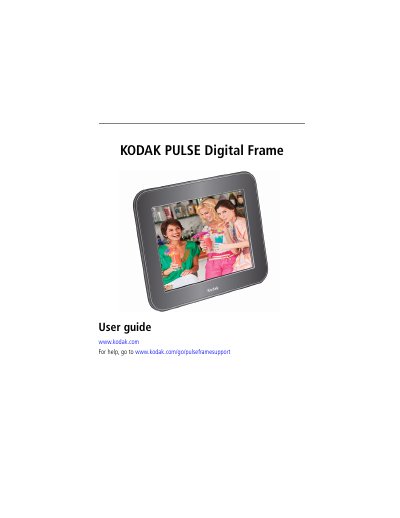
This user manual guides you through setting up your Kodak PULSE digital frame, including connecting power, setting language, and configuring your wireless network. It also explains how to view and manage pictures, use touch screen icons, and maintain your frame. Additional sections cover troubleshooting, online account setup, and technical specifications.
| Display Size | 7 in. (17.8 cm) diagonal |
|---|---|
| Screen Resolution | 800 x 600 pixels |
| Internal Storage | 512 MB |
| Power Supply | 5V DC 1.5A (7 in. frame) |
| Wi-Fi Compatibility | 802.11 b/g |
Touch your language on the language screen that appears the first time you turn on your frame.
The internal storage capacity is 512 MB, with pictures compressed to optimize space.
Insert the memory card into the slot and use the touch screen to navigate pictures.