
This is a user manual for Kodak EasyShare ZD710 digital camera
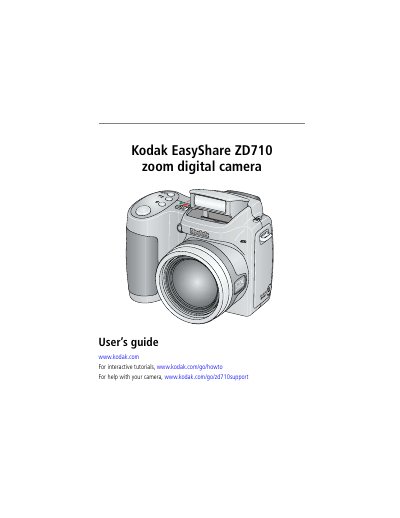
This user guide explains how to set up, operate, and maintain the Kodak EasyShare ZD710 digital camera. It covers attaching accessories, loading batteries, adjusting settings, taking photos and videos, reviewing media, and troubleshooting common issues. The guide also includes specifications and support resources.
| CCD | 1/2.5 in. CCD, 4:3 aspect ratio |
|---|---|
| Picture size | 7.1 MP (4:3): 3072 x 2304 pixels |
| LCD | 2 in. (5 cm) color LCD; 150 K pixels |
| Lens | 10X optical zoom; aspheric all-glass lens; f/2.8 –3.7 (35 mm equivalent: 38 –380 mm) |
| Digital zoom | Combined zoom settings up to 50X in 0.2X increments |
| Focus system | TTL-AF; Multi-zone AF and Center-zone AF |
| Working range | 24 in. (60 cm)–infinity @ wide 6.6 ft (2 m)–infinity @ telephoto |
Load the battery by replacing it with a Kodak lithium digital camera battery CRV3 or Kodak Ni-MH rechargeable digital camera battery (KAA2HR).
The camera has a 2-inch (5 cm) color LCD with 150K pixels.