
This manual introduces the features of the P730/P730m/P736 digital frames, including how to set up the device, how to import photos, and how to browse photos.
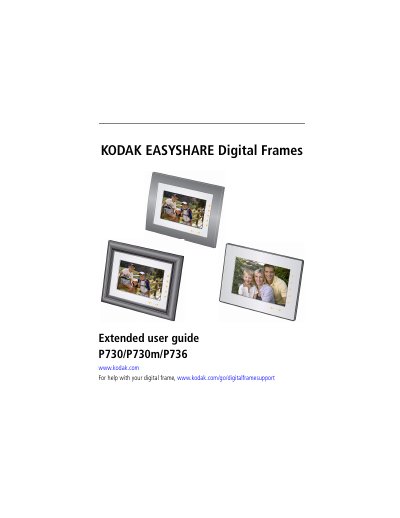
This manual provides instructions for setting up the Kodak EasyShare Digital Frame, including attaching the stand and power cable, and navigating the interface using the Quick Touch Border. It details how to insert memory cards, connect USB devices, and view pictures in various modes such as slideshow, collage, and thumbnails. The guide also explains how to customize settings like language, clock, display order, and orientation.
| Display Size (approximate) | 17.8 cm (7 in.) diagonal digital LCD |
|---|---|
| Resolution | 800 x 480 pixels |
| Aspect Ratio | 15:9 (P736 - 4:3) |
| Viewable Area | 15.4 x 9.2 cm (6.1 x 3.6 in.) |
| Internal Storage Capacity | 512 MB |
| Power Input | 100 - 240V AC 50/60 Hz |
| Power Output | 5 Volt DC |
Press and hold the Power button for about 2 seconds, then release.
No, the display screen is not touch-sensitive; you must tap the lights on the borders.
The frame supports SD/MMC, xD, MS, and MS Pro Duo memory cards.