
Kodak EasyShare M753/M853/MD853 Digital Camera User's Guide

This is a user manual for a Kodak digital camera
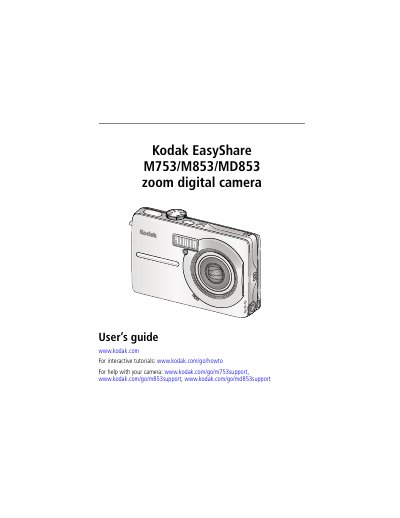

Kodak EasyShare M753/M853/MD853 Digital Camera User's Guide - cover page
Brand
Kodak
Category
Digital cameras
Document type
User Manual
Language
English
Pages
73
File format
PDF
File size
4.1 MB
Published
17 October, 2023
Updated
17 October, 2023
MD5 checksum
8CF09AC492F3BB1BB495C504937F948F

About this manual

This manual provides instructions for setting up the Kodak EasyShare M753/M853/MD853 digital camera, including attaching the strap, loading the KLIC-7001 battery, and configuring language and date/time settings. It details how to store pictures on SD or MMC cards and turn on the device.

What's inside

  • Setting up your camera
  • Taking pictures/videos
  • Working with pictures/videos
  • Changing picture-taking settings
  • Transferring and printing pictures
  • Troubleshooting
  • Camera specifications
  • Care and maintenance

Specifications

CCD Sensor1/2.5 in. CCD, 4:3 aspect ratio
Optical Zoom3X optical zoom lens f/2.8–f/5.2
LCD Display6.4 cm (2.5 in.)
Max Resolution (4:3)7.0 MP (3056 x 2292 pixels)
Max Resolution (16:9)6.1 MP (3296 x 1854 pixels)

Frequently asked questions

What is the camera's maximum picture resolution?

The M853/MD853 model has 8.1 MP (4:3): 3296 x 2472 pixels.

What is the camera's lens zoom capability?

It has a 3X optical zoom lens.

What is the camera's LCD screen size?

The LCD screen is 6.4 cm (2.5 in.) diagonal.

What is the camera's battery type?

It uses the KLIC-7001 battery.

Download PDF (4.1 MB)

More Kodak Manuals


View all Kodak manuals →