
This instruction manual introduces the use of KODAK EASYSHARE ZD15 digital camera, including the camera's appearance, the use of various function buttons, taking pictures, video recording, etc.
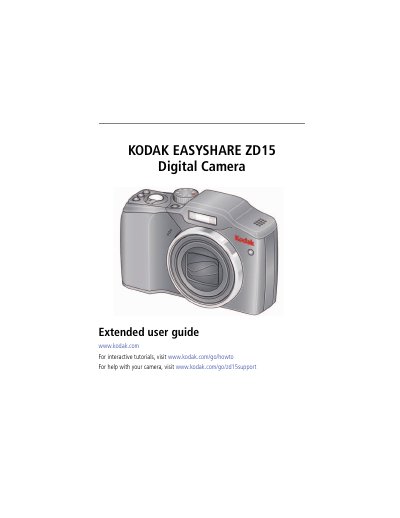
This guide helps you set up and operate your Kodak EasyShare ZD15 digital camera. It covers attaching the strap, loading batteries, taking photos and videos, using optical zoom, and managing pictures. You’ll also find instructions for transferring, printing, and sharing your media, along with troubleshooting tips and camera specifications.
| Image sensor | 1/2.3-type (4:3 aspect ratio) |
|---|---|
| Effective Pixels | 3672 x 2748 (10 MP) |
| Color display | 6.4 cm (2.5-type) color hybrid LCD; 230 K (960 x 240) dots; 25 fps |
| Lens | 10X optical zoom lens, 35–350 mm (35 mm equivalent); f/3.5–f/4.8 |
| Image stabilizer | Optical |
| Digital zoom | 5.0X continuous |
| Combined zoom | 50X |
| Shutter speed | Smart Capture mode: 1/8–1/1250 sec. (speed is automatically set by the camera) |
| ISO speed | Auto, 100, 200, 400, 800, 1600 |
| Exposure metering | TTL-AE; Multi-pattern, Center-weighted, Center-Spot |
| Exposure compensation | +/-1.0 EV with 1/3 EV steps |
| White balance | Auto, Daylight, Tungsten, Fluorescent, Open Shade |
The maximum supported card size is 32 GB.
Press Telephoto (T) to zoom in or Wide Angle (W) to zoom out, then take the picture or video.
The camera has 32 MB internal storage (13.5 MB available for image storage).