
This is a user manual for Kodak EASYSHARE Z915 digital camera
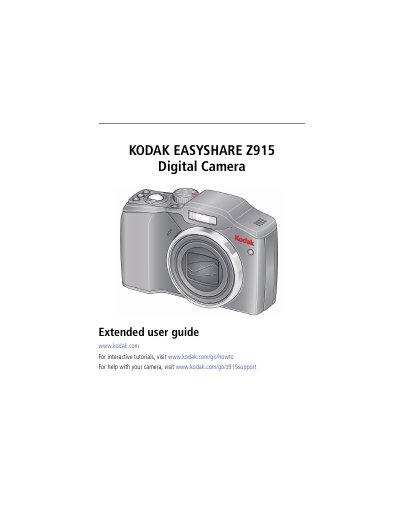
This document is the extended user guide for the Kodak EasyShare Z915 digital camera. It covers initial setup procedures such as attaching the strap, loading batteries, and inserting SD or SDHC cards. The guide details how to operate the camera, including taking pictures and videos in various modes like Smart Capture, PASM, and SCN (scene) modes. It explains the use of the 10X optical zoom, flash, self-timer, and burst functions.
| Effective Pixels | 3672 x 2748 (10 MP) |
|---|---|
| Display | 6.4 cm (2.5-type) color hybrid LCD |
| Optical Zoom | 10X |
| Digital Zoom | 5.0X continuous |
| Internal Storage | 32 MB (13.5 MB available) |
| ISO Speed | Auto, 100, 200, 400, 800, 1600 |
The maximum supported card size is 32 GB.
To take a panoramic picture, press the Self-timer/Video/AF Assist light button.
Yes, the camera has a Self-timer/Video/AF Assist light for low-light situations.