
This is a user manual for kodak pixpro digital camera
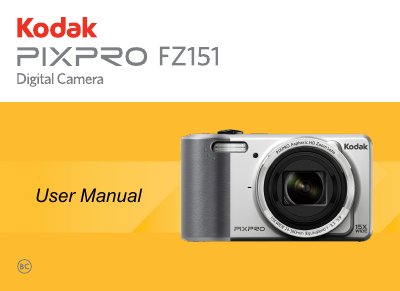
This document is the user manual for the Kodak PIXPRO digital camera. It guides users through initial setup, including installing the battery and memory card, charging, and configuring language and date/time settings. The manual details various shooting modes such as Auto, Portrait, Panorama, and Manual, as well as specific features like Optical Image Stabilization (OIS) and Digital Zoom.
| Effective Imaging Sensor Pixels | 16.15 Megapixels |
|---|---|
| Total Image Sensor Pixels | 16.44 Megapixels |
| Image Sensor Type | 1/2.3" CCD |
| Lens Focal Length (Wide) | 4.3mm |
| Lens Focal Length (Tele) | 64.5mm |
| 35mm Film Equivalent Focal Length (Wide) | 24mm |
| 35mm Film Equivalent Focal Length (Tele) | 360mm |
| F Number (Wide) | F3.3 |
| F Number (Tele) | F5.9 |
| Lens Construction | 9 groups 10 elements |
| Optical Zoom | 15x |
| Digital Zoom | 6x |
| Combined Zoom | 90x |
Use a professional lens wiping cloth and dedicated cleaner to wipe and clean the lens; do not use abrasive or alcohol-based cleaners.
The memory card could be damaged, so do not remove it when the camera is turned on.
Yes, using PictBridge technology, you can print photos directly to a compatible printer using the supplied USB cable without a PC.