
This is a digital photo frame that can display photos, videos, and music. It supports multiple storage card formats and can be connected to a computer via USB to upload images. You can set the playback order, speed, and transition effects. You can delete photos.
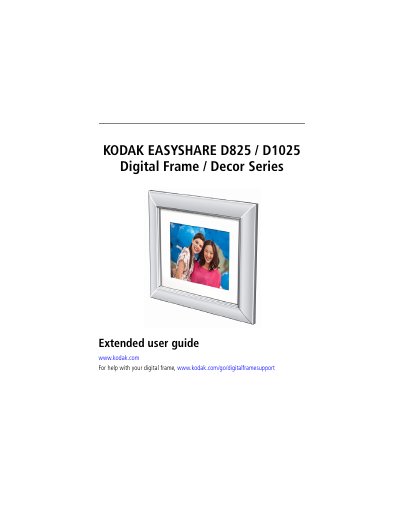
This guide helps you set up and use your Kodak EasyShare D825 or D1025 digital frame. It covers attaching the stand and faceplate, inserting memory cards, connecting USB devices, viewing and copying pictures, and troubleshooting common issues. The document also includes technical specifications and safety information for both models.
| Internal Storage | 512 MB |
|---|---|
| Power Supply | D825: Malata MPA-05015, 5V DC 1.5A |
| Memory Card Support | SD, MMC, XD, MS/MS Pro Duo |
| Operating Temperature | 32 to 104 °F (0 to 40° C) |
| Weight (without faceplate) | D825: 1.9 lb. (843 gm); D1025: 2.0 lb. (878 gm) |
Top slot supports SD, MMC, XD, MS; bottom slot supports MS/MS Pro Duo.
The frame automatically shuts off after 16 hours, but you can change this setting.
Both models have 512 MB of internal storage.