
Introduces the precautions for installing MLC 226 IP Series MediaLink™ Controllers, including safety precautions and power connection precautions
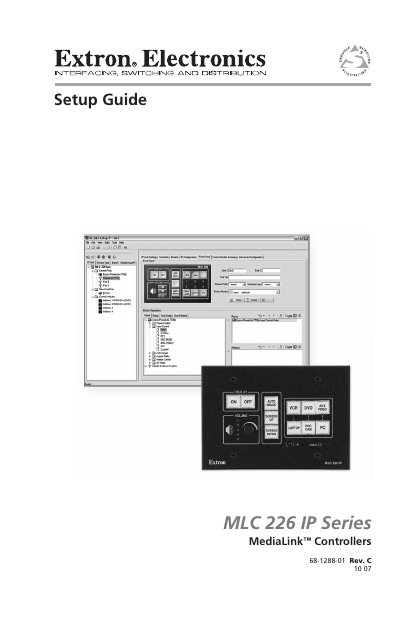
This document provides setup and safety instructions for the Extron MLC 226 IP Series MediaLink™ Controllers. It includes important safety precautions, power source requirements, and servicing guidelines. Users are advised to follow all warnings and retain safety instructions for future reference. The guide also covers proper power disconnection, cable routing, and servicing by qualified personnel only.
The equipment is designed for commercial use and may cause harmful interference in residential areas. It complies with FCC Class A limits and requires shielded cables for peripheral devices to ensure compliance.
Follow all warnings and instructions marked on the equipment or in the user information. Do not use tools or attachments not recommended by the manufacturer.
Remove all power cords from the rear of the equipment, or the desktop power module (if detachable), or from the power source receptacle (wall plug).