
This document introduces the upgrade method of Global Configurator 2.2, including the upgrade methods from GC2.0.x, GC2.1.x to GC2.2, and the upgrade methods of MediaLink 226/104 or System 5 IP Configuration Software 3.1.1.
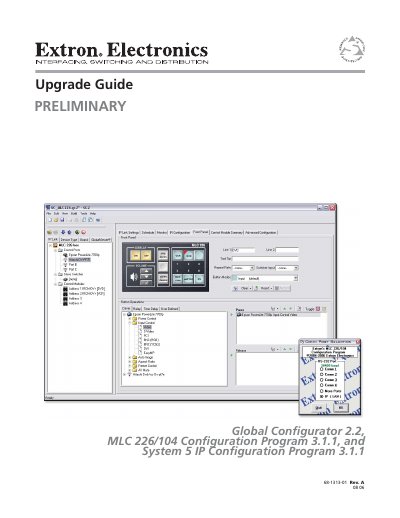
This document serves as a preliminary upgrade guide for Extron Global Configurator software, specifically detailing the transition from versions 2.0.x and 2.1.x to version 2.2. It outlines the necessary prerequisites, including specific firmware versions for MLC and System 5 IP products, and explains how to handle missing device drivers.
The guide provides detailed procedures for upgrading project files, whether opening original files, importing from IP Link devices, or importing compressed files from a disk. It also covers troubleshooting common issues such as missing serial or IR drivers and explains how to upgrade firmware over a network using IP Link File Manager.
The minimum required versions are MLC 104 Series version 1.03, MLC 104 IP Series version 1.03, and MLC 226 IP Series version 1.05.
Global Configurator 2.2 requires System 5 IP Series firmware version 2.00.
You can use the Driver Subscription utility in the Edit menu, download drivers from the Extron Web site, or choose a different driver version on the device's Driver Configuration tab.