
This document is a user manual for the Compact USB Keyboard, which introduces the keyboard's functions and usage methods
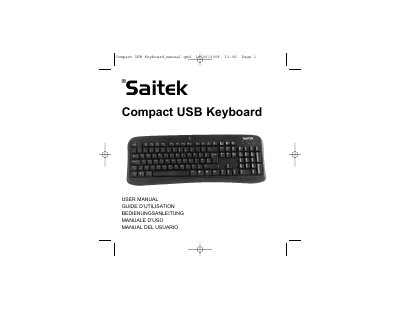
This document serves as the user manual for the Saitek Compact USB Keyboard. It provides instructions for installing the device on PC systems running Windows 2000, XP, XP64, and Vista. The guide explains how to use the sleep button located in the top center of the keyboard and details the necessary steps to configure it for Windows Vista users.
The keyboard is compatible with PCs running Windows 2000/XP/XP64/Vista.
Go to Windows Start, Settings, Control panel, Power settings, click the Advanced tab, and select Stand by.