
This is a manual that introduces the features of Saitek Cyborg keyboard, including multi-color backlight, programmable keys, hard key caps and adjustable wrist rest.
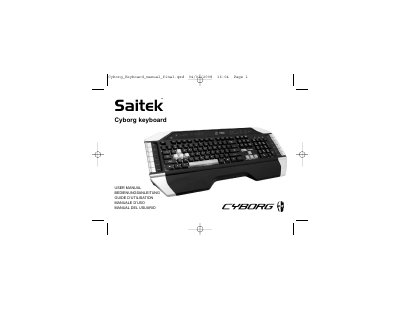
The Saitek Cyborg keyboard is designed for both gaming and office use. It features independent backlighting with tri-colour options (red, green, amber) and includes 12 programmable keys for macros. The keyboard offers two modes: Normal mode for standard typing and Cyborg mode to disable Windows keys and provide enhanced lighting control for specific key areas like WASD and NumPad.
To set up the device, users must install the drivers and Saitek Smart Technology software via an installation CD. Once installed, the keyboard supports Pass-through USB and audio connections, allowing peripherals and headsets to connect directly through the rear ports.
The two modes are Normal mode, which allows changing colour and brightness of the whole keyboard, and Cyborg mode, which disables Windows keys and enables independent lighting for gaming areas.
The keyboard requires a PC running Windows XP, XP64, or Vista (all versions).
Select either Normal or Cyborg mode by pressing the Cyborg face, then press the colour icon and use '+' or '-' to scroll through colours.