
This user manual introduces the features and usage of Saitek Pro Flight rudder pedals, including pedals auto-centering function, non-impact action, adjustable tension, pedals adjustable for all foot sizes, high quality manufacturing, etc.
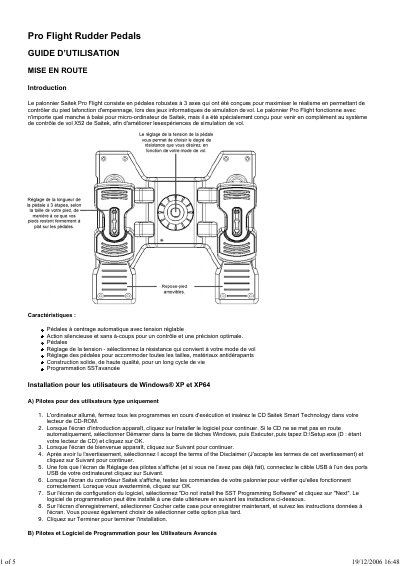
The document introduces the Saitek Pro Flight rudder pedals as a robust three-axis controller designed to enhance realism in flight simulation games. It highlights key features such as automatic centering with adjustable tension, silent operation, and compatibility with various Saitek joystick systems.
The guide details installation procedures for both standard users and advanced users on Windows XP and Windows 2000. It covers installing the Smart Technology drivers via CD-ROM, configuring USB connections, and optionally installing the SST Programming Software to customize controller settings. This manual is written in French.
The guide specifies installation instructions for Windows XP (both standard and 64-bit) and Windows 2000.
Advanced users should select 'Installez le logiciel de programmation SST' during the software configuration step.