
This manual introduces the use of AT&T Global Modem USB800 4G LTE wireless modem.
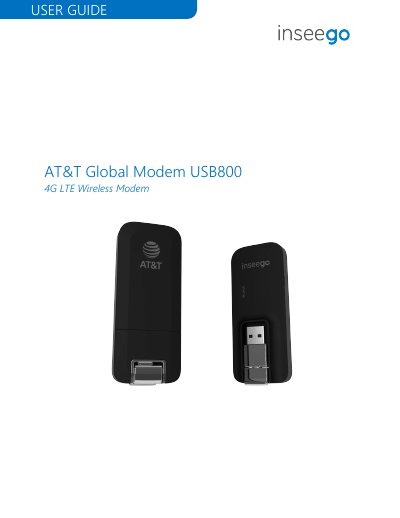
The AT&T Global Modem USB800 is a 4G LTE wireless USB modem from Inseego that connects to the Internet, a corporate intranet, and email while away from the office. It has a fold-away, rotating USB connector and status and data-used LED indicators.
The guide covers getting started, components, status indicators, inserting and connecting the modem, the web user interface, settings, SIM installation, troubleshooting, product specifications, and regulatory information.
| Marketing name | USB800 |
|---|---|
| Model | MC800 |
| Weight | 2.4 oz (68 g) |
| Dimensions | 3.58” x 1.45” x 0.45” (91.1 x 37 x 11.4 mm) |
| Chip set | QUALCOMM® SDX20 |
| Interface type | Fold-away, rotating USB |
| Technology | LTE CAT 18, 480 Mbps LTE Max Throughput, Carrier Aggregation (5CC download CA), 2x2 MIMO, sGPS capable |
| Operating temperature | -10°C to 55°C (14° F to 113° F) |
| Storage temperature | -20° C to +65° C (-4° F to 149° F) |
| Relative humidity | 5% to 90% over operating temperature |
Supported platforms are Windows 7 or higher, Mac OS 10.8 or higher, Linux OS, and Chrome OS.
A solid red status LED means no network is available, and can also indicate no SIM, a locked SIM, or a SIM error.
The marketing name is USB800 and the model is MC800.
It supports LTE CAT 18 with a maximum LTE throughput of 480 Mbps.