
A simple setup guide for the AT&T Smart Wi-Fi Extender, covering installation, configuration via the Smart Home Manager app, and troubleshooting.
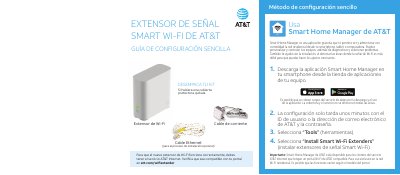
This document provides instructions for setting up the AT&T Smart Wi-Fi Extender. It details the requirements for AT&T Internet service and explains how to use the Smart Home Manager mobile application to manage the network. The guide covers downloading the app, selecting the installation option, and verifying compatibility. This manual is written in Spanish.
You must have AT&T Internet service and verify compatibility with your portal at att.com/wifiextender.
Use the Smart Home Manager app to select 'Install Smart Wi-Fi Extenders' and follow the on-screen prompts.
A solid green light indicates that the extender is synchronized and functioning correctly.
Move the extender closer to the Wi-Fi portal or another connected extender.