
Installation and setup guide for the AT&T 3600HGV WiFi Gateway, covering hardware connections, power-up procedures, and initial configuration.
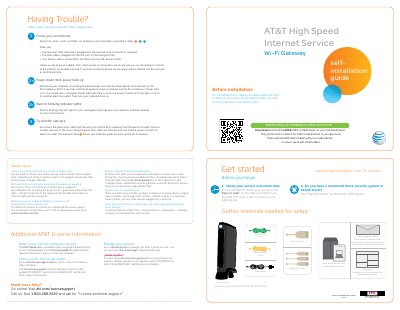
This guide provides instructions for installing the AT&T 3600HGV WiFi Gateway. It details the necessary materials, including the gateway, power cord, Ethernet cable, and data cable, and explains how to connect them to wall jacks and electrical outlets. The document includes specific steps for installing phone line filters if traditional phone service is used.
| Power port | Power port |
|---|---|
| Local Ethernet port | Local Ethernet port |
| Phone Line port | Phone Line port |
| Advanced Configuration URL | http://192.168.1.254 |
Do not attempt to install your services until 8pm or later on the date provided to you by AT&T.
This is normal; do not unplug the power cord or green data cable until the Broadband and Service lights are solid green.
Wait up to fifteen minutes for the Broadband and Service lights to turn solid green.