
This manual introduces the basic use of AT&T SB35020/SB35025 Deskset, including system overview, telephone description, dial-pad entry, using speakerphone, using help screens, making calls, answering calls, etc.
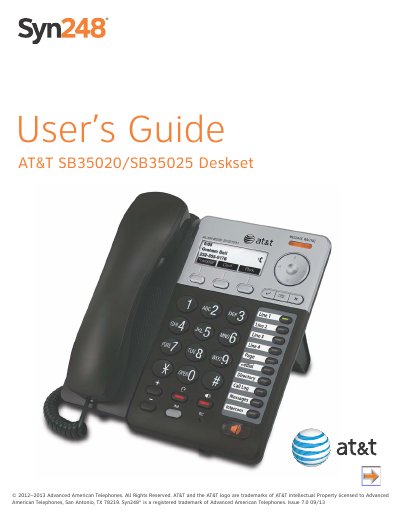
This guide explains how to use the AT&T Syn248 SB35020/SB35025 deskset, including call handling, voicemail, and settings. The SB35025 model supports a DECT cordless headset. The system uses distributed control over a LAN and is designed for businesses with up to 24 extensions. Features include programmable keys, soft keys, and web interface access.
| Size | 6.9” × 7.9” × 8.1” (H × W × D @57° angle), 7.9” × 7.9” × 7.1” (H × W × D @41° angle) |
|---|---|
| Weight | 35.59 oz. (1009 g) (including adapter) |
| Power Requirements | 5.1 V DC @ 1700 mA, 48 V DC Typ. (PoE Class 2) |
| Transmit Frequency (SB35025) | 1921.536–1928.448 MHz |
| Network Jack | RJ-45 Ethernet (10Base-T/100Base-Tx) with auto MDI/MDIX switching |
You can set, change, or reset your password in the Deskset Settings menu under 'Setting, Changing, or Resetting Your Password'.
It is a distributed control system over a LAN, designed for businesses needing up to 24 extensions and scalable from 1 to 8 outside lines.