
A self-installation guide for setting up AT&T High Speed Internet Service using a compatible DSL modem, including connection steps, filter installation, and…
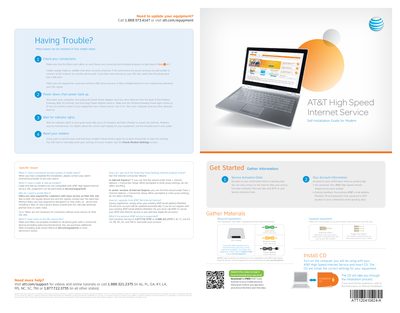
This document provides instructions for customers to self-install AT&T High Speed Internet Service using their own compatible DSL modem. It covers gathering necessary materials, connecting cables (Ethernet, Power, and Data), and installing filters if voice service is required. The guide notes that cable and dial-up modems are not compatible with this service.
When you have completed the installation, please contact your alarm monitoring provider to test your alarm.
Filters are only required for customers with voice service on their DSL line to eliminate pitched tone or static noise.
Run the Internet Connection Wizard in Internet Options and do not select anything when prompted to enter proxy settings.
Call Customer Service at 1.877.722.3755 or 1.888.321.2375 to reactivate your account.