
AT&T U-verse TV User Guide

This guide provides instructions for resolving issues with AT&T U-verse TV, Internet, and Voice services, configuring settings, programming remotes, and…
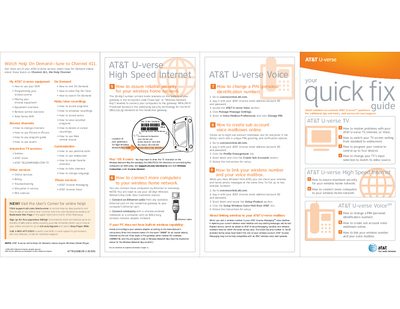

AT&T U-verse TV User Guide - cover page
Brand
AT&T
Document type
User Manual
Language
English
Pages
2
File format
PDF
File size
652 KB
Published
13 October, 2026
Updated
13 October, 2026
MD5 checksum
9BEE24A40EAD3EA1A6FDE895ADB66960

About this manual

This document serves as a quick fix guide for common problems associated with the AT&T U-verse system. It covers troubleshooting steps for TV, High Speed Internet, and Voice services, including how to reset equipment by unplugging power sources. The guide also explains how to switch TV screen settings from standard to widescreen formats.

What's inside

  • How to resolve problems with your AT&T U-verse
  • How to switch your TV screen setting from standard to widescreen
  • How to program your remote to control up to four devices
  • How to change your TV's input selection
  • How to assure maximum security for your wireless home network
  • How to connect more computers to your wireless home network
  • How to change a PIN (personal identification number)
  • How to create sub account voice mailboxes online

Frequently asked questions

What is the encryption code needed for the wireless network?

The 10-digit number printed inside brackets on the bottom of your gateway is the encryption code (pass key or Wireless Network Key).

How do I reset my TV receiver if it is having trouble?

Unplug the TV receiver from the power outlet in the wall, wait at least two minutes, then plug it back in.

What is the network name for connecting computers wirelessly?

The network name is '2WIRE' followed by the last three digits of the gateway serial number (e.g., 2WIRE079).

Download PDF (652 KB)

More AT&T Manuals


View all AT&T manuals →