
This user manual provides installation instructions, operation guides, and troubleshooting for the AT&T CN2309 corded telephone.
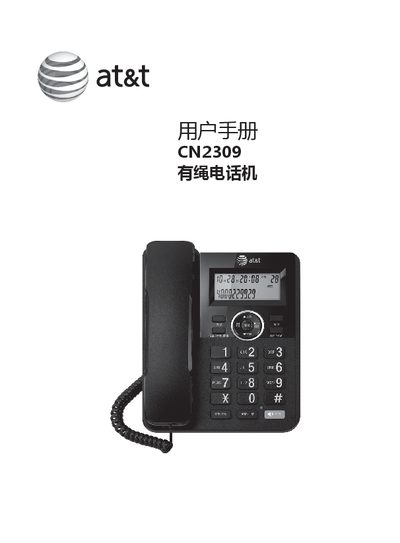
The document is a user manual for the AT&T CN2309 corded telephone. It covers initial setup including wall mounting and battery installation, as well as configuration settings such as date/time, area code, and dialing mode.
The guide details daily operations like making calls, using call waiting, holding, and transferring. It also explains how to manage call logs for incoming and outgoing numbers, use speed dial features, and adjust volume or brightness. This manual is written in Chinese.
| Dimensions | 199x157.6x51 mm |
|---|---|
| Weight | Approximately 0.56 kg |
| Operating Temperature | -10°C to +40°C |
| Relative Humidity | 10% to 95% |
| Operating Frequency | 300-3400 Hz |
Press the * key for 3 seconds while in standby mode to toggle between pulse and audio dialing modes.
You must install an ADSL filter between the telephone and the wall phone jack to prevent interference.