
AirTies Air 4921 is a Wi-Fi extender released by AT&T, which can extend the coverage of the Wi-Fi signal and allow more devices to connect to the network.
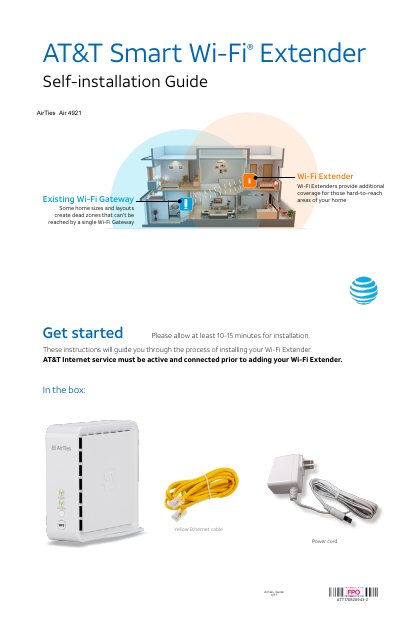
This manual guides users through installing and configuring the AT&T Air 4921 Wi-Fi Extender to improve wireless coverage in hard-to-reach areas. It includes steps for pairing with an existing AT&T Wi-Fi Gateway using WPS, placing the extender optimally, and managing the network via the Smart Home Manager app. Troubleshooting tips are provided for common issues like weak signals or failed pairing.
The extender supports IPv6 and can be paired with up to three additional extenders for expanded coverage. It features status LEDs to indicate connection status and includes a reset button for factory defaults. The document also references AT&T’s support resources and accessibility options.
Press the WPS button on the existing AT&T Wi-Fi Gateway first, then on the Extender. The LEDs will blink and turn solid green when paired.
The Extender is successfully paired and connected to the Wi-Fi Gateway.
Up to 40 feet or two walls away for optimal performance.