
LAPP PROFINET switch 4/8/16 port Quick Start Guide

This manual introduces the basic configuration and usage of Lapp PROFINET switch, including the safety instructions, preparation of the switch, port properties setting, topology detection and other contents.
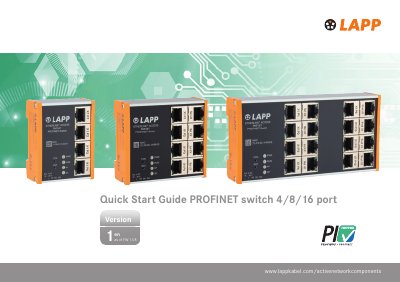

LAPP PROFINET switch 4/8/16 port Quick Start Guide - cover page
Brand
Lapp
Category
Industrial Supply
Document type
Quick Start Guide
Language
English
Pages
20
File format
PDF
File size
1.4 MB
Published
16 October, 2023
Updated
16 October, 2023
MD5 checksum
8C302823FB76A7C72729A6018106F613

About this manual

This Quick Start Guide explains the basic settings for the initial commissioning of LAPP PROFINET switches (4, 8, or 16 ports) for use in PROFINET projects. It covers essential steps such as preparing the device, planning GSDML files, setting port properties, and configuring the Media Redundancy Protocol (MRP).

What's inside

  • Safety instructions
  • Introduction
  • Preparing the PROFINET switch
  • Planning of the GSDML files
  • Setting the port properties
  • Topology detection
  • Assign the PROFINET switch a name
  • Media Redundancy Protocol (MRP)
  • Diagnosis and configuration via the web interface
  • Technical data

Specifications

Voltage supply24 V DC (18 – 30 V DC)
Protection ratingIP 20

Frequently asked questions

What is the default password for the web interface?

The password is the serial number of the device.

How do you reset the switch to factory settings?

Press and hold the FCN button while the device restarts.

What does the SF LED indicate?

It indicates that a PROFINET diagnosis is available.

Download PDF (1.4 MB)

More Lapp Manuals


View all Lapp manuals →