
Instruction Manual for FrSky ARCHER PLUS R10+ Receiver, includes the receiver's size, weight, channel configuration, voltage range, operating current, control range and other information
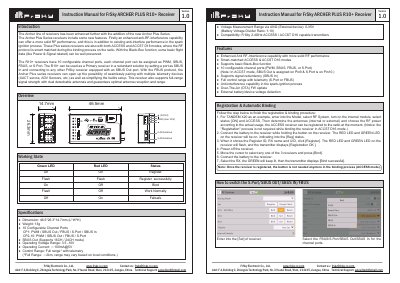
This manual provides instructions for the FrSky ARCHER PLUS R10+ receiver, a 2.4GHz device featuring 10 configurable channel ports supporting PWM, SBUS, FBUS, and S.Port protocols. It highlights enhanced anti-RF interference capabilities, smart-matched ACCESS and ACCST D16 modes, and a Black-Box function for preserving flight data.
| Dimension | 46.5*26.3*14.7mm (L*W*H) |
|---|---|
| Weight | 13g |
| Operating Voltage Range | 3.5 -10V |
| Operating Current | 100mA@5V |
| Control Range | Full range with telemetry |
| Voltage Measurement Range via AIN2 | 0-35V |
The three failsafe modes are No Pulse, Hold, and Custom mode.
Enter into the [Set] of receiver and select FBUS/S.Port/SBUS Out/SBUS In for the channel ports.
Go to the [File manager], select the FW, press the enter button, and select [Flash RX by int.OTA].