
The FrSky Horus X10 is a digital telemetry radio system.
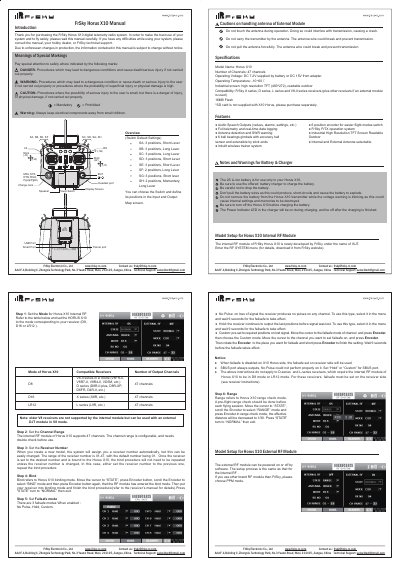
The FrSky Horus X10 is a digital telemetry radio system featuring a high-resolution industrial TFT screen, 47 channels, and real-time data logging capabilities. It supports both internal and external RF modules compatible with various receiver series including V8-II, D-series, X-series, and L-series.
The document provides detailed instructions on configuring the device for different receiver types, setting up failsafe modes (No Pulse, Hold, Custom), performing pre-flight range checks, and handling battery safety. It also outlines specific procedures for binding receivers and managing channel ranges.
| Number of Channels | 47 channels |
|---|---|
| Operating Voltage | DC 7.2V or DC 15V |
| Operating Temperature | -10~60 C |
| Screen Resolution | 480*272 |
| Flash Memory | 16MB Flash |
The three available failsafe modes are No Pulse, Hold, and Custom.
No, older V8 receivers are not supported by the internal module but can be used with an external DJT module in V8 mode.
The No Pulse failsafe cannot perform properly on the SBUS port; you must set 'Hold' or 'Custom'.