
The Canon imageFORMULA DR-M260 user manual provides setup, operation, maintenance, and troubleshooting instructions for the document scanner.
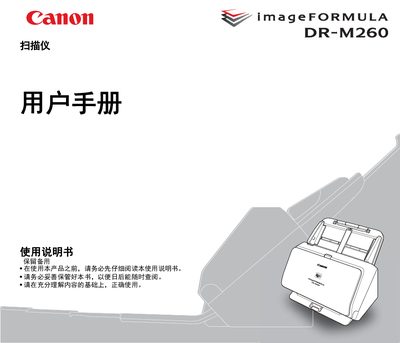
This manual guides users through installing the DR‑M260 scanner, configuring the required software, and safely operating the device. It includes system requirements, power‑up and power‑down procedures, and detailed safety warnings.
Additional sections cover routine maintenance, cleaning, consumable replacement, and a comprehensive troubleshooting guide with common error messages and solutions. Optional accessories and specifications are listed in the appendix. This manual is written in Chinese.
| Scanning width | 50 mm to 216 mm (1.97" to 8.5") |
|---|---|
| Scanning length | 54 mm to 356 mm (2.13" to 14.02") |
| Paper capacity (A4 and smaller) | 90 pages |
| Scanning resolution | 100 – 600 dpi (various modes) |
| Scanning speed (200 dpi, grayscale, single‑sided) | 60 pages/min |
| Power consumption (scanning) | ≤ 23 W |
| Weight (with AC adapter) | ≈ 3.4 kg (7.5 lb) |
| Interface | USB 3.1 Gen1 / USB 2.0 |
The feeder can hold up to 90 pages of paper that are A4 size or smaller.
During scanning the device consumes 23 W or less.
The scanner works with USB 3.1 Gen1 or USB 2.0 ports.
Supported OSes include Windows 8.1, Windows 10, Windows Server 2012 R2, 2016, and 2019 (both 32‑ and 64‑bit).